YouTube · Short-form editing
Short-Form Video Editing Creators Worth Following in 2026
20 YouTube creators who teach short-form editing on screen in CapCut, Premiere Pro, After Effects and DaVinci Resolve. Each entry links one video to start with.
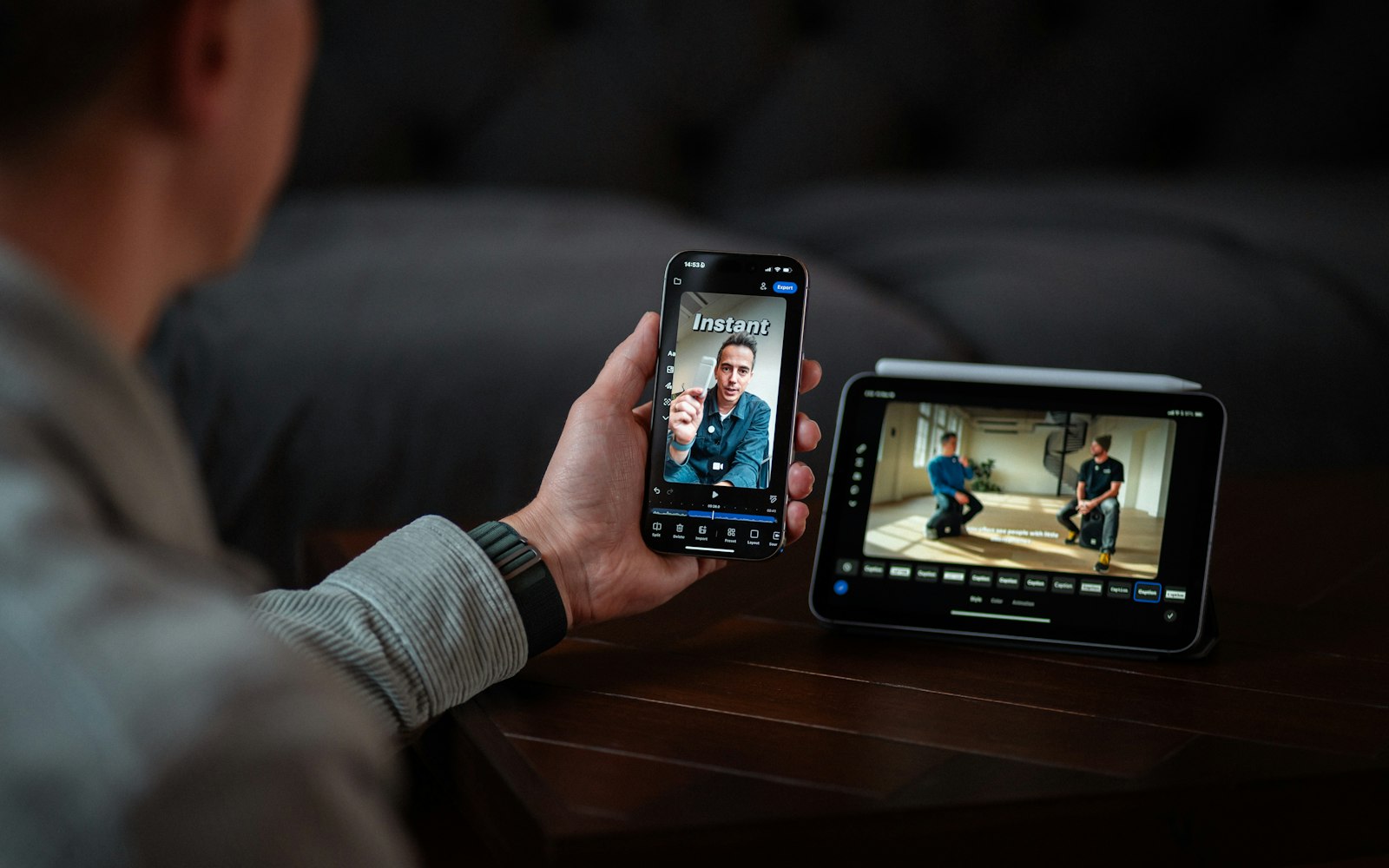
The short-form video editing creators worth following in 2026 are the ones who open the timeline on screen and build a Reel, TikTok or Short in front of you. This list has 20 of them, grouped by the software they teach: CapCut and phone-only apps (5), Premiere Pro and After Effects (8), DaVinci Resolve (6), and pacing and edit reviews in any editor (1). Every entry links one recent video to start with.
This list is for anyone who edits vertical video and is tired of “10 viral transitions” compilations that never show the keyframes. The creators below record the whole edit, from first cut to export, with the steps written into the chapters. Most are small and mid-sized channels you may not have found yet. There are no very large channels here: the big editing channels we checked teach long-form YouTube, general effects or gear, not short-form.
Each entry says why the creator is here and links one video to start with. They’re listed alphabetically, because this isn’t a ranking: a DaVinci Resolve editor who rebuilds a Reel in Fusion and a phone-only InShot teacher serve different viewers, and putting them in order would say nothing useful.
Which short-form editing creator should you follow?
Start with the software you already have open. Everyone in the table is on the list below, and within each row they’re alphabetical.
| If you edit in… | Creators to start with | What they show |
|---|---|---|
| CapCut, on a desktop or a phone | BeTheCut, Edit with Bk, Matt Loui, Patrik Key, Tyler Symone | Talking-head Reels, caption styles, transitions built on mobile, free-version techniques, and a phone-only InShot workflow |
| Premiere Pro or After Effects | Edit with Panda, HasimFX, Mark † Video Editing Guru, The Nicks Edit, Torsten Roscoe, Usman Explains, Vane Motion, Vlad Sateev | Full Reels from scratch, caption animation without After Effects, street-interview Shorts, motion-graphics and animated collage Reels |
| DaVinci Resolve | Hishaam Ahmed, Mustapha Edits, Prinsedits, Ryan Herrick, Victor Grubbe, Zane Hoyer | Fast-paced Reel styles, scene-by-scene Fusion builds, five-second hooks, podcast intros, and a client Reel filmed and edited |
| Any editor: pacing and edit reviews | Abhay PS Rajawat | The same Reel edited in one, ten and thirty minutes, plus a series reviewing viewers’ edits |
New to short-form? The full walkthroughs (HasimFX, Edit with Panda, Tyler Symone, Zane Hoyer) are gentler starts than the style recreations. Hooks your problem? Go to Zane Hoyer’s five-second hook build, BeTheCut’s hooks tutorial and Victor Grubbe’s intros.
The 20 creators, A to Z
- Covers
- Reel editing challenges, pacing and edit reviews
- Why they’re here
- Edits the same Reel against the clock. In the video to start with he builds the same graphics in one minute, ten minutes and thirty minutes, to show what extra time buys, with the project resources free to download. That video is sponsored by Epidemic Sound and carries YouTube’s paid-promotion label. His feed also has a running series reviewing viewers’ edits.
Is this you? Update or claim · Remove me
- Covers
- Talking-head Reels and hooks in CapCut PC
- Why they’re here
- Builds podcast-style talking-head Reels in CapCut on the desktop. The video to start with sets up the timeline and effects for that look, frames the shot and works on audio clarity, credits the creator whose edit it recreates, and gives the assets away. A later upload in his feed is given over entirely to hooks.
Is this you? Update or claim · Remove me
- Covers
- Trending Reel transitions edited on a phone
- Why they’re here
- Phone-only CapCut tutorials for trending Instagram transitions. The video to start with rebuilds a smooth Reels transition on mobile, including the keyframes and animation, and links the project XML so you can open the same timeline. The About page describes the channel as “Desi language”.
Is this you? Update or claim · Remove me
- Covers
- Premiere Pro Reel editing, six Reels from scratch
- Why they’re here
- A course-length Premiere Pro tutorial rather than a trick video. The video to start with edits six different Reels from scratch so you follow the whole workflow and practise alongside, with raw files and two free preset packs linked; an 11 GB asset folder and discounted portfolio templates are offered in the same description. A small channel whose About page promises one video a week.
Is this you? Update or claim · Remove me
- Covers
- Instagram Reels in Premiere Pro, no plugins
- Why they’re here
- Edits a full Instagram Reel in Premiere Pro alone, with no After Effects and no paid plugins. The video to start with runs from importing and proxies through colour correction, audio repair, captions (generated free in Descript, then styled), animation, sound design and export, with the project files free. His own asset bundle is sold in the same description.
Is this you? Update or claim · Remove me
- Covers
- Fast-paced Reels and motion graphics in DaVinci Resolve
- Why they’re here
- Breaks a popular Reel style down cut by cut in DaVinci Resolve. The video to start with recreates the EarnEdits look: fast-paced cuts, animated captions, motion graphics, zooms and transitions synced to sound effects, aiming to make every second feel intentional; the assets are free on his Patreon. It carries YouTube’s paid-promotion label, and the template link is an affiliate link with a coupon code.
Is this you? Update or claim · Remove me
Mark † Video Editing Guru
- Covers
- UGC and street-interview Shorts in Premiere Pro
- Why they’re here
- Edits real client short-form jobs on camera. In the video to start with he cuts a UGC street-interview video he was hired to make, front to back, with chapters for cutting, framing, B-roll, captions and sound effects; the practice folder is sold alongside. A small channel posting about weekly, and worth catching early.
Is this you? Update or claim · Remove me
- Covers
- CapCut techniques, from free tools to motion graphics
- Why they’re here
- Desktop CapCut, taught as numbered techniques with a chapter each. The video to start with shows 15 that work in the free version: video inside text, cutting to the beat, cleaning echo and noise from a voice, zooms, green screen, multiple timelines and sound effects. A Clickt.link promotion and his own course get chapters too, so they’re easy to skip.
Is this you? Update or claim · Remove me
Mustapha Edits
- Covers
- Clean Instagram and TikTok Reels in DaVinci Resolve
- Why they’re here
- Builds a Reel scene by scene in DaVinci Resolve. The video to start with opens with the finished Reel you’ll be making, then builds it in three chaptered scenes, with the assets linked and his text-animation pack sold alongside. His About page lists the styles he covers, from Vox and Apple to documentary edits.
Is this you? Update or claim · Remove me
Patrik Key
- Covers
- Caption styles and text animation in CapCut
- Why they’re here
- Captions are his specialty. The video to start with builds ten caption styles in CapCut, each with its own chapter, from real-estate captions and 3D text to Apple-style captions, a highlighter, a flicker and a stacked premium look, pitched as After Effects-level animation done inside CapCut. His KeyPlugs presets are linked at the top of the description.
Is this you? Update or claim · Remove me
- Covers
- Minimal, premium-looking Reels in DaVinci Resolve Fusion
- Why they’re here
- Goes deeper into a single Reel than most. The video to start with rebuilds a clean, minimal Reel scene by scene in DaVinci Resolve, with chapters for grids and alignment, word-by-word kinetic text, pop-up cards, polygon masking and a phone mockup, and credits the After Effects editor it recreates. The timeline and assets are free; a plugin discount code is disclosed as supporting the channel.
Is this you? Update or claim · Remove me
- Covers
- Client Reels filmed and edited in DaVinci Resolve
- Why they’re here
- Shows the whole job, not just the edit. The video to start with, from April, films a client Reel and then edits it in DaVinci Resolve, with a short chapter on the filming, a fifteen-minute chapter on the edit and a chapter for the results. His text-animation packs are sold at the top of every description.
Is this you? Update or claim · Remove me
- Covers
- Caption animation and Reel edits in Premiere Pro
- Why they’re here
- Recreates trending Reels in Premiere Pro with no After Effects, and lists every setting. The video to start with rebuilds a viral podcast-quote Reel: a bottom shadow gradient for readability, a word-by-word reveal, a long shadow, a stroke sliding behind the word, a subject cutout, and the animation saved as a one-click preset. The raw clip is free; the project file sits behind a channel membership.
Is this you? Update or claim · Remove me
Torsten Roscoe
- Covers
- Fast short-form workflows in Premiere Pro
- Why they’re here
- Edits short-form in Premiere Pro against the clock. The video to start with is his full workflow for a clean short-form edit in under 20 minutes: colour grading with LUTs, cleaning audio with the transcript tool, custom keybinds for cutting, captions aligned to text templates, a hook built with blur and flicker, and stretched B-roll. The preset pack and course used in the video are sold in the description.
Is this you? Update or claim · Remove me
- Covers
- Phone-only Reels and TikToks in InShot
- Why they’re here
- Phone-only editing, taught from the import screen onward. The video to start with edits an outfit-of-the-day video for Instagram or TikTok in the InShot app, with chapters for a transition, trending audio, slow motion, jump cuts, text animation, effects and keyframes. A small channel that posts about monthly; affiliate links are disclosed in a line at the end of the description.
Is this you? Update or claim · Remove me
- Covers
- Motion-graphics Reels in Premiere Pro and After Effects
- Why they’re here
- Reverse-engineers motion-graphics Reels and rebuilds them in Premiere Pro. The video to start with breaks down a talking-head Reel with text animations, transitions and effects done directly in Premiere, credits the original Instagram Reel and gives away the project assets; the text presets are linked separately. An After Effects version follows two days later in his feed.
Is this you? Update or claim · Remove me
- Covers
- Animated Reels and 2.5D motion graphics in After Effects
- Why they’re here
- After Effects tutorials for the animated-collage Reel style, built from scratch. The video to start with turns Edvard Munch’s The Scream into a Reel in the style of Earn.edits: retro collage textures, 2.5D camera moves and parallax, transitions, and animation synced to music, with the project file on Patreon. His About page is in Spanish; the tutorials have English titles.
Is this you? Update or claim · Remove me
- Covers
- Podcast intros, captions and Reels in DaVinci Resolve
- Why they’re here
- Treats the intro as the part that decides whether people stay. The video to start with recreates a Jack Neel-style podcast intro in DaVinci Resolve on a segment he recorded himself, from project setup through four animations and the text animation to the final result, with the practice footage free. He sells the plugin packs used in the edit and labels them as his own.
Is this you? Update or claim · Remove me
Vlad Sateev
- Covers
- Talking-head edits in Premiere Pro and After Effects
- Why they’re here
- A full talking-head masterclass with the raw footage to practise on. The video to start with covers captions in Premiere Pro and After Effects, B-roll, cutouts and custom graphics, montage-style editing and sound design, in four chapters. It carries YouTube’s paid-promotion label, and the description says plainly that some links are affiliate links.
Is this you? Update or claim · Remove me
- Covers
- Client Reels, hooks and animations in DaVinci Resolve
- Why they’re here
- Screen-records his client work instead of describing it. The video to start with builds a five-second hook for Reels, TikToks and Shorts step by step, then adds the clean text animations he pairs with short-form, with the assets linked. Links to the tool and text packs he uses are in the description.
Is this you? Update or claim · Remove me
How we checked each creator
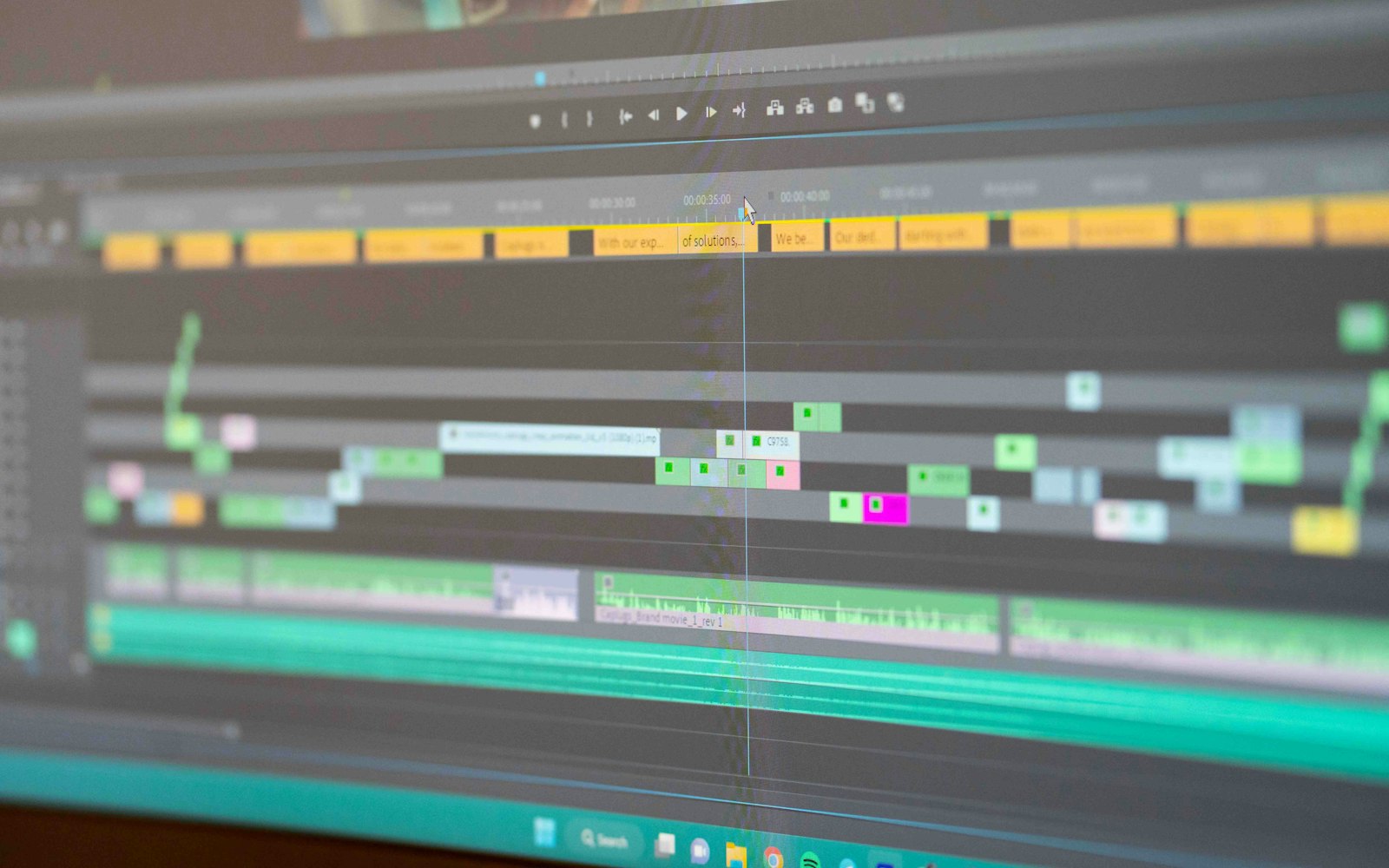
We looked at roughly 70 channels found through YouTube search (this-month and this-year filters, across every editor on the list plus phone-only queries). For each one that made the list we:
- Checked they’re active. Every creator here uploaded at least three times in the last 90 days, counted from their public upload feed. Shorts count.
- Picked one real edit. We chose a recent video where they build a Reel, TikTok or Short on screen and confirmed its exact title, channel and date with YouTube itself. Nineteen are from the last 90 days; Ryan Herrick’s is from April, because his newer uploads have no description of their content.
- Read what the video sets out to do. The “why” in each entry comes from the video’s own description and chapters and the channel’s About text: which software, which steps, what’s free and what’s for sale.
- Checked the links. Social and website links were taken only from the channel page, and we opened each one before listing it.
- Looked for the warning signs. We left out channels whose pitch is an income figure, giveaway channels, feeds of near-identical mass uploads, and portfolio channels with no teaching.
We did not read comments for this list, so there is no engagement criterion in the box above; that check is due at the next quarterly review. Some good channels didn’t make it: they’ve drifted to AI-tool videos, freelancing advice or long-form YouTube, or their recent descriptions don’t say what the video does. Our methodology covers the rules every list follows, and how to vet a YouTube creator shows the same checks from a brand’s side.
There are no subscriber counts on this page yet; the FAQ below explains why, and a channel’s last ten uploads say more about how it’s doing now than its lifetime numbers anyway.
What makes a short-form edit work
The creators above teach different software, but the videos we linked keep returning to the same things. Each point is sourced to the platforms’ own documentation or to the videos named in the entries.
- The first seconds decide whether the view counts. Since 31 March 2025, YouTube counts a Shorts view the moment a Short starts to play, with no minimum watch time; the old metric lives on as “Engaged views”, the viewers who chose to continue watching, and YouTube says Partner Program eligibility and Shorts ad revenue sharing are based on engaged views. The analytics metric “Stayed to watch” is the percentage of times viewers stayed past the initial seconds. That is why Zane Hoyer gives a chapter to a five-second hook and Victor Grubbe says the intro decides whether people stay. Our guides to how the YouTube algorithm works and how much YouTube pays per 1,000 views cover the rest.
- Captions are designed, not just generated. Patrik Key builds ten caption styles in CapCut, The Nicks Edit adds a bottom shadow gradient for readability and a word-by-word reveal, HasimFX generates captions free in Descript and then styles them, and Torsten Roscoe aligns his to text templates.
- Sound carries the cut. Vlad Sateev closes his masterclass with a chapter on sound effects and music, Hishaam Ahmed syncs cuts to sound effects, Matt Loui spends chapters on cleaning a voice and on sound effects, and Tyler Symone adds a trending audio before anything else.
- Pacing is a choice you can see. Abhay PS Rajawat edits the same Reel in one, ten and thirty minutes so you can see what the extra time buys; Hishaam Ahmed aims for cuts where every second feels intentional; Prinsedits builds a deliberately minimal Reel instead. There isn’t a right speed, only a consistent one.
- Presets, packs and affiliates need a disclosure you can see. Most creators here sell something, and the better ones say so in the description or in a chapter of its own. The FTC’s endorsement guidance says an affiliate relationship should be disclosed in the video and near the links in the description, not buried; YouTube’s paid-promotion setting adds a label at the start of the video. Vlad Sateev and Tyler Symone state that some links are affiliate links; Abhay PS Rajawat’s and Hishaam Ahmed’s videos carry YouTube’s label. Our guide to disclosing affiliate links and sponsorships has the wording.
What to do next
- Learning to edit? Pick the row that matches your software and watch one full walkthrough and one style recreation from it.
- Editing for clients? Mark † Video Editing Guru, Zane Hoyer and Ryan Herrick record real client jobs; start there, and disclose before you put preset links in your own descriptions.
- A brand looking for editing creators? Several people here already run labelled sponsored videos. Our AI tool reviewers on YouTube covers the creators who test editing software rather than teach it.
- Know someone who belongs here? Suggest a creator. Suggestions go through the same checks, and we review this list every quarter.
Frequently asked questions
- Who are the best short-form video editing creators to follow in 2026?
- It depends on the software you edit in. For CapCut and phone-only apps: BeTheCut, Edit with Bk, Matt Loui, Patrik Key and Tyler Symone. For Premiere Pro and After Effects: Edit with Panda, HasimFX, Mark † Video Editing Guru, The Nicks Edit, Torsten Roscoe, Usman Explains, Vane Motion and Vlad Sateev. For DaVinci Resolve: Hishaam Ahmed, Mustapha Edits, Prinsedits, Ryan Herrick, Victor Grubbe and Zane Hoyer. For pacing and edit reviews in any editor: Abhay PS Rajawat.
- Did any of these creators pay to be on this list?
- No. Nobody pays to be included, inclusion never depends on using or promoting any product, and nobody on this list was asked to mention one. Each creator is here because of a recent video in which they edit a Reel, TikTok or Short on screen, and the entry says which one.
- How did you choose these short-form editing creators?
- Each one edits on screen in a recent video whose description or chapters list the steps, posted at least monthly over the last 90 days according to their public upload feed, and is doing well for their size on recent uploads. We confirmed every linked video’s title and channel with YouTube, and left out channels built on income promises, giveaways or mass-produced uploads. Our methodology page has the details.
- Why are the creators listed alphabetically?
- Because this isn’t a ranking. A DaVinci Resolve editor who rebuilds a Reel in Fusion and a phone-only InShot teacher serve different viewers, and ranking them against each other would say nothing useful. Alphabetical order also makes it obvious that no position on the list was bought or traded for anything.
- Do these creators sell presets, LUTs or courses?
- Many do, and we don’t hold that against them as long as it’s disclosed and the tutorials stand on their own. Each entry says what is sold in the linked video’s description, whether the practice files are free, and whether the video carries YouTube’s paid-promotion label or an affiliate note.
- Why are there no subscriber counts on this page?
- We only publish YouTube numbers that come from the official YouTube Data API, dated, and refreshed or deleted within 30 days, as YouTube’s developer policies require. Until those are in place for this list we’d rather show no number than a stale or estimated one.
About this list
We review every list each quarter. This one was last reviewed on . Every number is dated and says where it came from. How we pick creators.
Spot a mistake? Email corrections@topfluencers.co and we’ll fix it within 48 hours.
Featured here? There’s a free badge you’re welcome to use, with no conditions: get your badge.
More lists
- YouTube · AI tools
AI Tool Reviewers on YouTube Worth Following in 2026
21 YouTube creators who test AI tools on camera, show the real output and say when something doesn’t work. Each entry says why, with a video to start with.
21 creators · Reviewed
Read the list - YouTube · Shopify and ecommerce
Shopify Creators Who Teach Running a Real Store
21 creators who teach Shopify from the operator’s side: store setup, ads with real numbers, discounts, wholesale and theme code. No get-rich-quick pitches.
21 creators · Reviewed
Read the list